 ConvertFlow
Everything ConvertFlow can do
One app for converting, compressing and enhancing your media. All of it runs on your PC, so your files stay private and there are no upload limits.
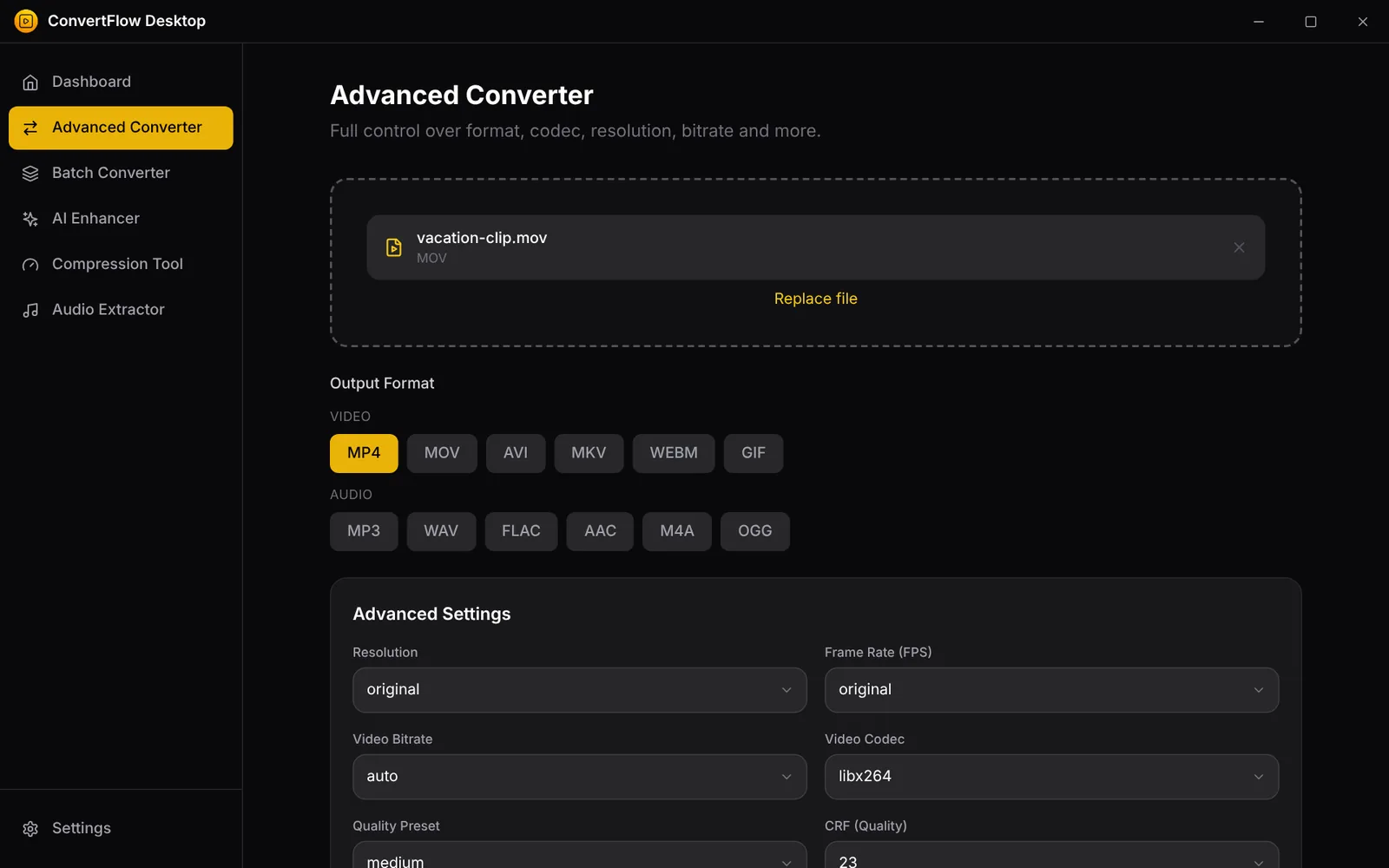
Advanced converter
Convert a file to the format you need and decide exactly how it is made.
- Video: MP4, MOV, AVI, MKV, WebM and GIF
- Audio: MP3, WAV, FLAC, AAC, M4A and OGG
- Choose resolution, frame rate, video bitrate and video codec
- Quality preset and CRF control for the balance of size and quality
- See each conversion’s progress while it runs
Batch converter
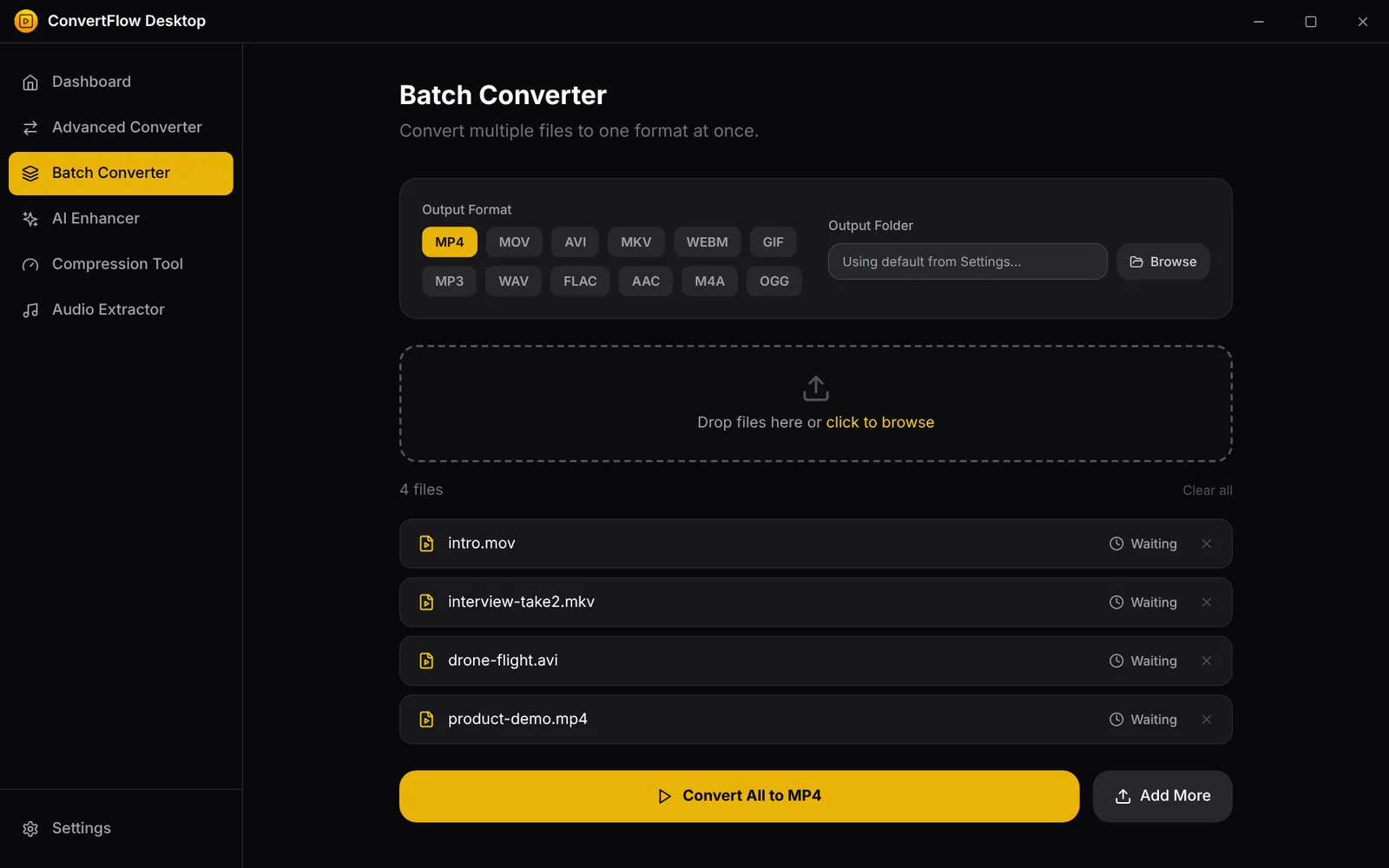
Got a folder full of files? Add them all, pick one output format and let ConvertFlow work through the queue.
- Drop many files at once or browse for them
- Video, audio and image outputs, including PNG, JPG, WebP, BMP, TIFF and ICO
- Choose where the converted files are saved
- Per-file status so you always know what is waiting, running or done
Compression tool
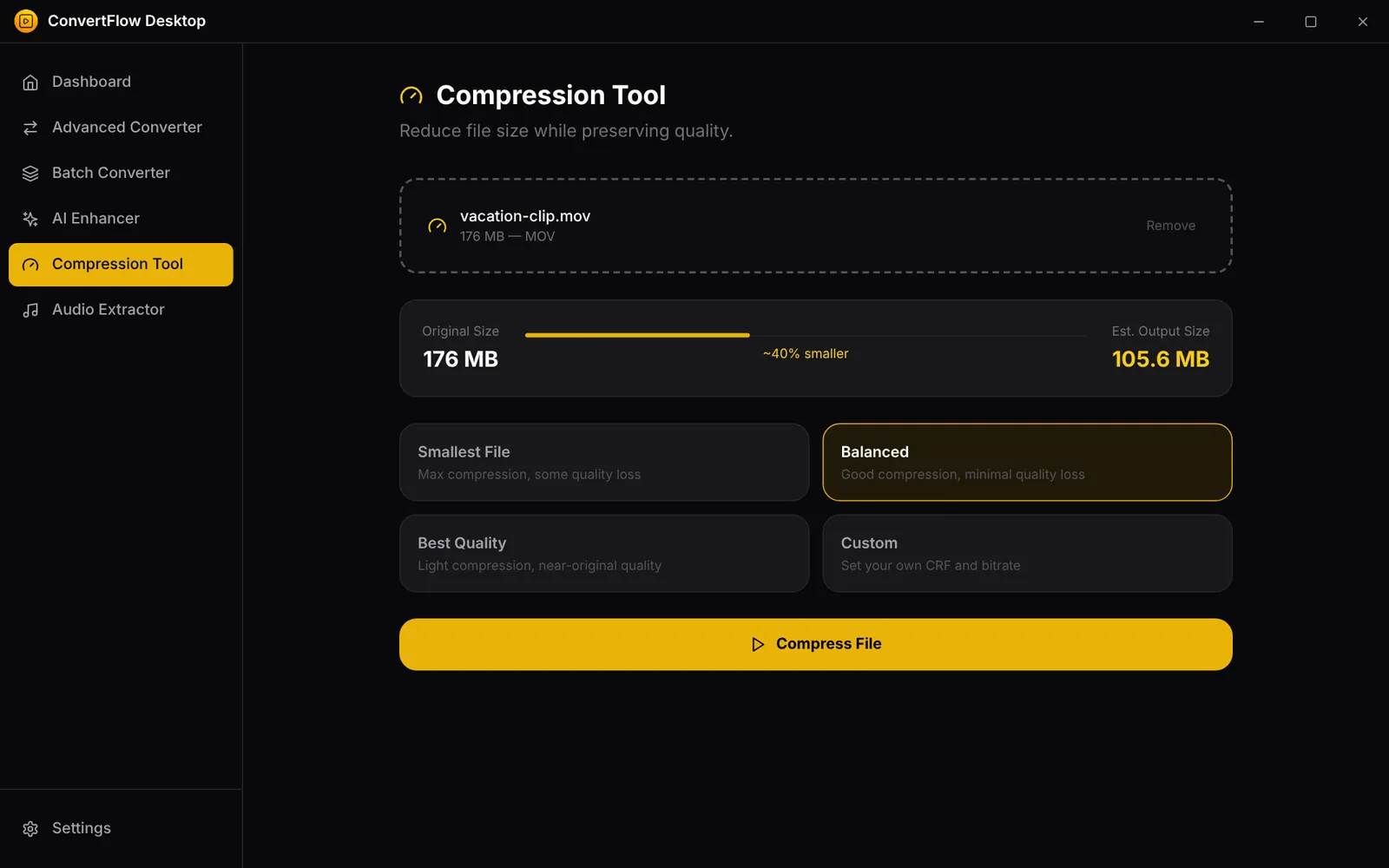
Make big files small enough to email, share or store without guessing at settings.
- Presets: Smallest file, Balanced and Best quality
- Custom mode with your own CRF and audio bitrate
- Estimated output size shown before you start
- Works on video and audio files
Audio extractor
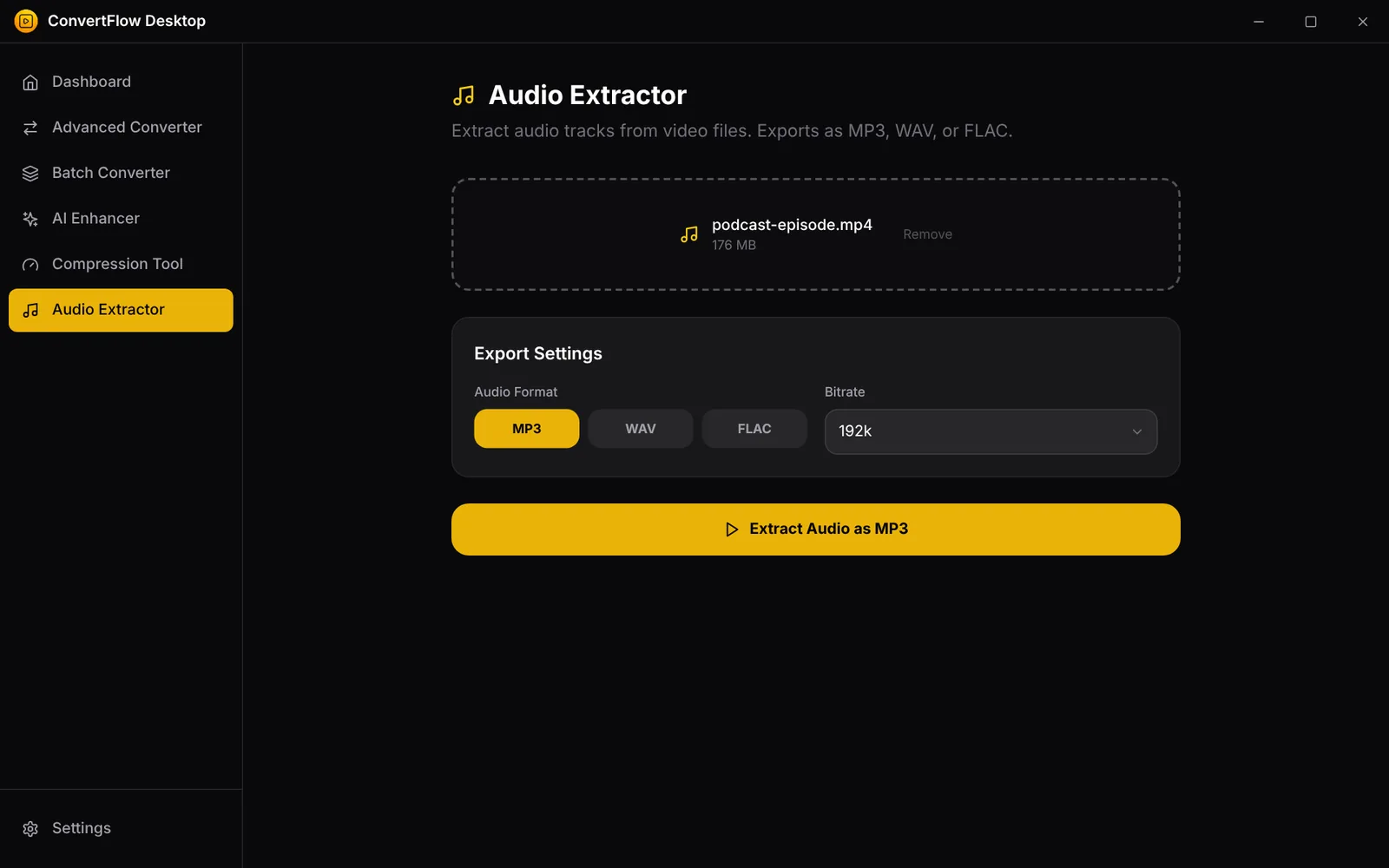
Keep the soundtrack, skip the video. Great for podcasts, lectures, music clips and interviews.
- Export as MP3, WAV or FLAC
- Pick the bitrate that suits you
- Works with any video format the app can open
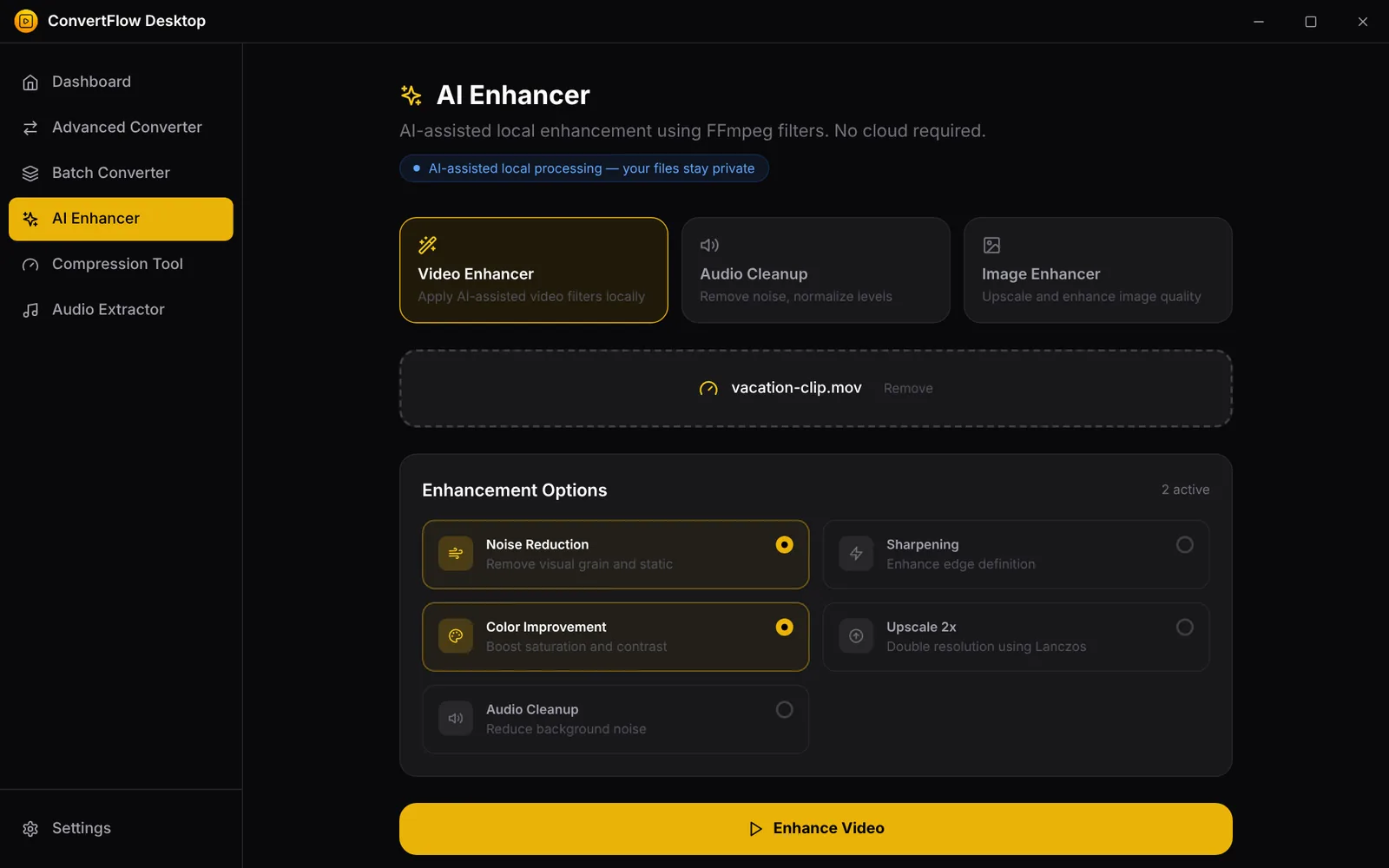
Enhancer
Give footage, photos and recordings a quick polish using FFmpeg-based filters that run on your PC.
- Video enhancer: noise reduction, sharpening, color improvement and 2x upscaling
- Audio cleanup to reduce background noise and even out levels
- Image enhancer for upscaling and improving quality
- Everything is processed locally, with no cloud required
Themes and settings
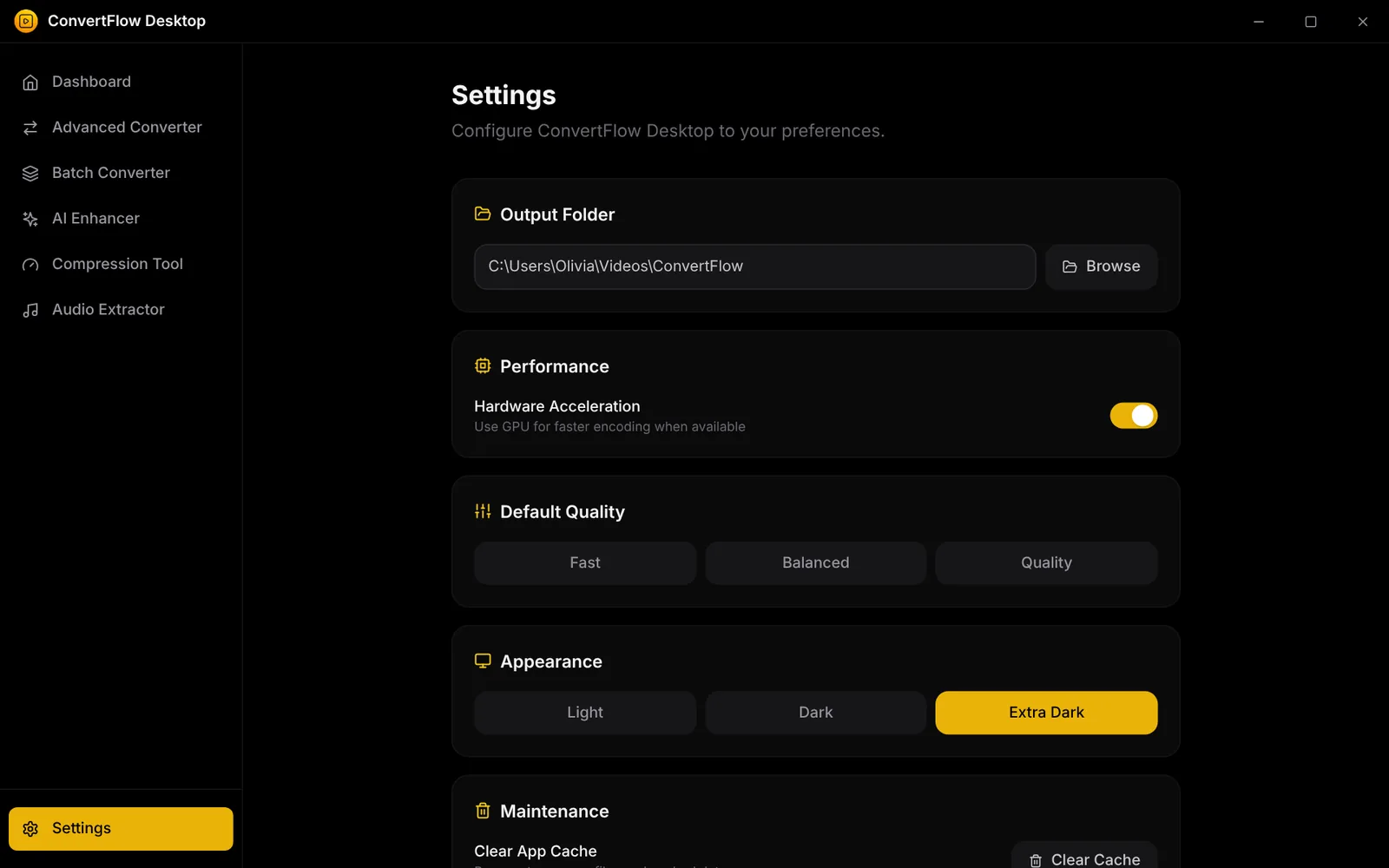
Make it feel right on your desk, day or night.
- Light, Dark and Extra Dark themes
- Set a default output folder and quality
- Optional hardware acceleration for faster conversions on supported GPUs
- Your choices are saved for next time
Why people choose ConvertFlow
The details that matter every day.
100% local processing
Your files are never uploaded. They are converted on your own computer.
No size limits
Convert files of any size, as many as you like. Only your disk space and patience set the limit.
Works offline
Once activated, ConvertFlow works without an internet connection. It only checks your license when you are online.
Powered by FFmpeg
The same proven engine used across the industry, wrapped in a clean interface.
One-time price
Pay $3.99 once. No subscription, no credits and no watermarks.
3 PCs per license
Use your key on up to 3 of your own computers.